OriginalAI Edited
Turn a Portrait into an Advertising Visual
Change clothing, background, lighting, and color treatment while preserving the person's identity and natural facial details.
Free trial for higher quality image generation
Get a faster, higher-quality, ad-free experience of generating images through our professional website
Compare realistic before-and-after edits created for portraits, advertising assets, products, and everyday photos. Keep the main subject recognizable while changing the object, setting, clothing, lighting, or campaign direction.
Change clothing, background, lighting, and color treatment while preserving the person's identity and natural facial details.

Keep the product shape consistent while upgrading a plain snapshot with campaign lighting, a premium set, and ecommerce-ready styling.

Move a subject into a new scene and swap a selected photo object without rebuilding the entire image from scratch.
The Free AI Image Editor combines GPT Image 2 prompt understanding with reference-guided editing, making it easier to change photo objects and scenes while keeping people, products, and visual intent coherent.
Describe the result in everyday words: change the photo background, replace an object, update an outfit, adjust lighting, remove a distraction, or turn a simple shot into a campaign visual.
Use up to five reference images to guide identity, product shape, composition, color, or style so the edited result remains connected to your original visual.
Generate polished image variations for ecommerce listings, social posts, thumbnails, banners, posters, brand concepts, and advertising tests without a complicated design workflow.
Choose square, portrait, vertical, landscape, or ultrawide aspect ratios for marketplaces, social feeds, stories, presentation slides, websites, and digital campaigns.
Use the editor for practical photo changes, campaign ideation, ecommerce improvements, personal creativity, social publishing, and fast visual experiments that would otherwise require many manual steps.
Try a different outfit, location, lighting setup, or editorial style while keeping the person recognizable and the portrait composition believable.
Place products into cleaner scenes, explore seasonal campaigns, test premium backgrounds, and create multiple ad directions from a single source image.
Change a photo object, remove unwanted elements, add a useful prop, or move the subject to a new environment with one clear editing prompt.
Refresh thumbnails, posts, banners, covers, and campaign graphics quickly, then generate alternate versions for different formats or audiences.
No advanced editing experience is required. Upload a source image, explain what should change and what should stay the same, then let GPT Image 2 produce a new version you can review and refine.
Add the photo you want to edit. You can include extra references when identity, product appearance, composition, or style needs clearer guidance.
Write a direct instruction such as “replace the chair with a sofa,” “change the background to a beach,” or “turn this product photo into a summer ad.”
Choose an aspect ratio, generate the edit, download the result, or refine your prompt to create another version with more precise details.
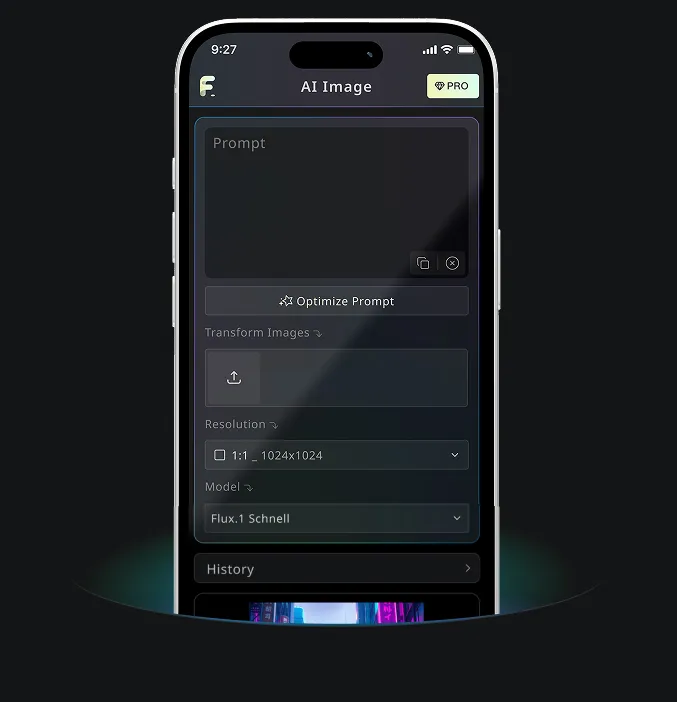
Download the Free Banana AI mobile app to boost your creativity with AI image generation tools that transform words into stunning visuals.